
Maximizing CRM Migration to HubSpot: A Startup Guide
Maximizing CRM Migration to HubSpot: A Starter Guide
You decided to move to HubSpot. That's the right call. But here's what we see happen over and over: teams rush the migration, skip the data audit, and bolt on integrations as an afterthought. Then they spend the next six months cleaning up a mess that didn't have to exist. We've audited enough portals to know the difference between a migration done right and one that just looks done. Let's check it out.
What Are the Biggest CRM Data Migration Mistakes in HubSpot?
Most teams treat data migration like a file transfer. Copy the contacts. Move the companies. Done. Not even close.
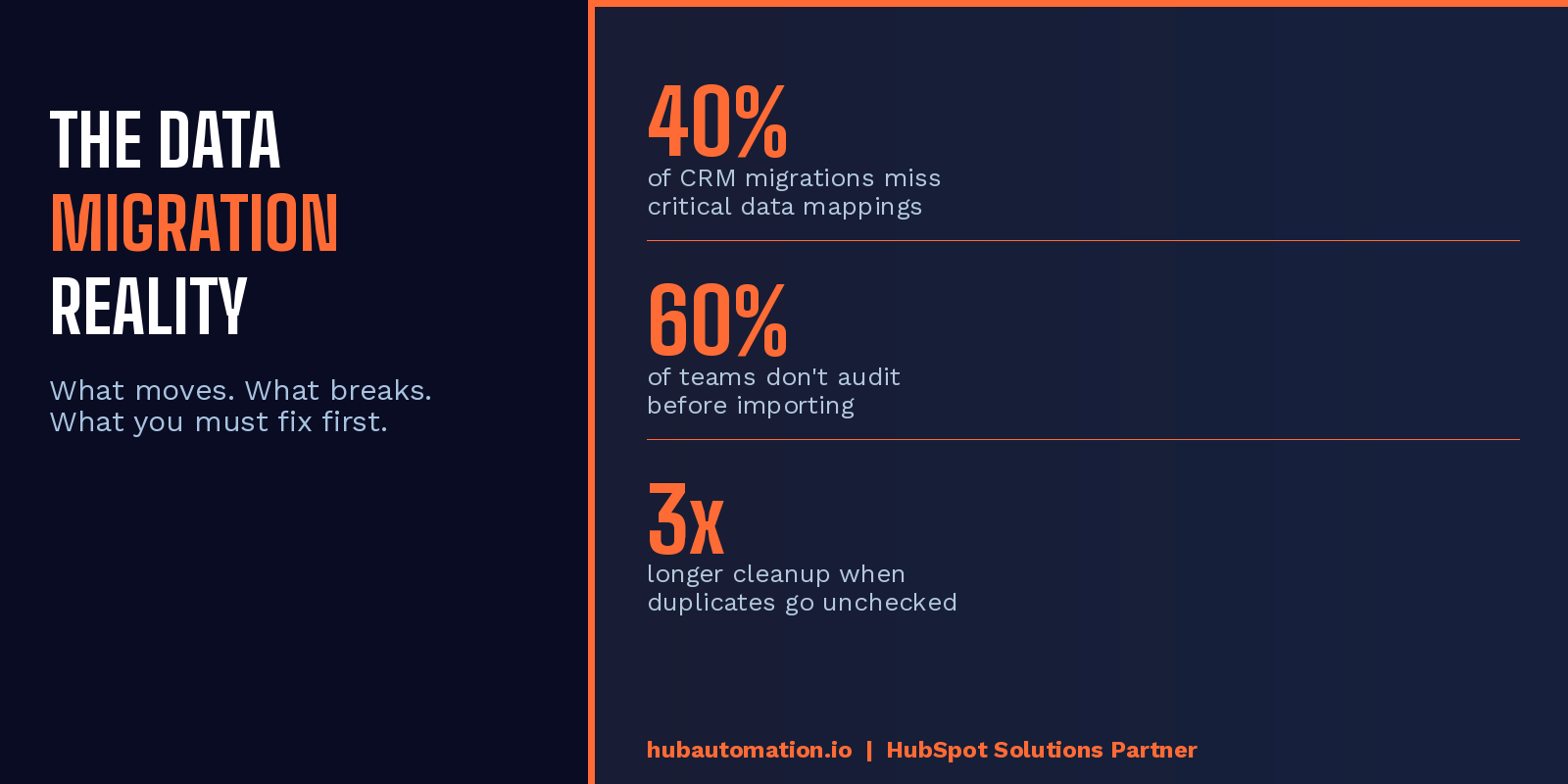
The MOST important step before you touch any import is the data audit. This means going through your existing CRM and asking a hard question: is this data actually worth moving? Our team at HubAutomation has seen portals with 80,000 contacts where maybe 20,000 are real, active records. The rest? Duplicates, dead email addresses, and leads from 2017 that never converted.
According to HubSpot's own migration documentation, the platform will flag duplicate email addresses on import. But it won't catch duplicates across Companies, Deals, or custom objects the same way. That's where things get messy fast.
Clean data in means clean data out. Dirty data in means broken workflows, inaccurate reports, and a sales team that stops trusting the CRM inside of 90 days.
What Data Cleans Up Well vs. What Doesn't Transfer
Standard contact and company records map cleanly. Notes, tasks, and deal stage history? Those are trickier. Call logs from most legacy CRMs don't transfer at all. Email engagement history from platforms like Pipedrive or Zoho rarely survives the move intact. We always tell clients: plan for a fresh start on activity history and document what you're leaving behind. It's not a failure. It's just reality.
That said, the fix is simpler than you think. Use HubSpot's import tool with a clean, properly mapped CSV. Match your existing fields to HubSpot's standard properties where possible. Create custom properties for anything that doesn't have a native home. And run a deduplification pass before you go live.
Pretty sweet when it comes together cleanly.
How Do You Map Fields Correctly When Migrating Data to HubSpot?
Field mapping is where most migrations quietly fall apart.
Your old CRM has a field called "Lead Status." HubSpot has a property called "Lifecycle Stage." They are NOT the same thing. One is a sales workflow marker. The other drives how HubSpot categorizes a contact across marketing, sales, and service. Map them wrong and your automation fires at the wrong time, your lists pull the wrong people, and your reporting shows metrics you can't trust.
Here's what we mean: before any import, build a field mapping document. List every property from your old system in one column. Map it to the corresponding HubSpot property in the next column. Flag anything that doesn't have a match and decide whether to build a custom property or discard the field entirely.
Salesforce-to-HubSpot migrations have a native sync tool, which helps. But Pipedrive and Zoho migrations still need that manual mapping step done thoughtfully. Our team spends real time on this step because it sets up every workflow, every list, and every report that comes after.
We like that HubSpot now surfaces field mapping suggestions during the import process. It's not perfect. But it catches a lot of the common errors before they become buried problems.
Why Do HubSpot Integrations Fail Right After Migration?
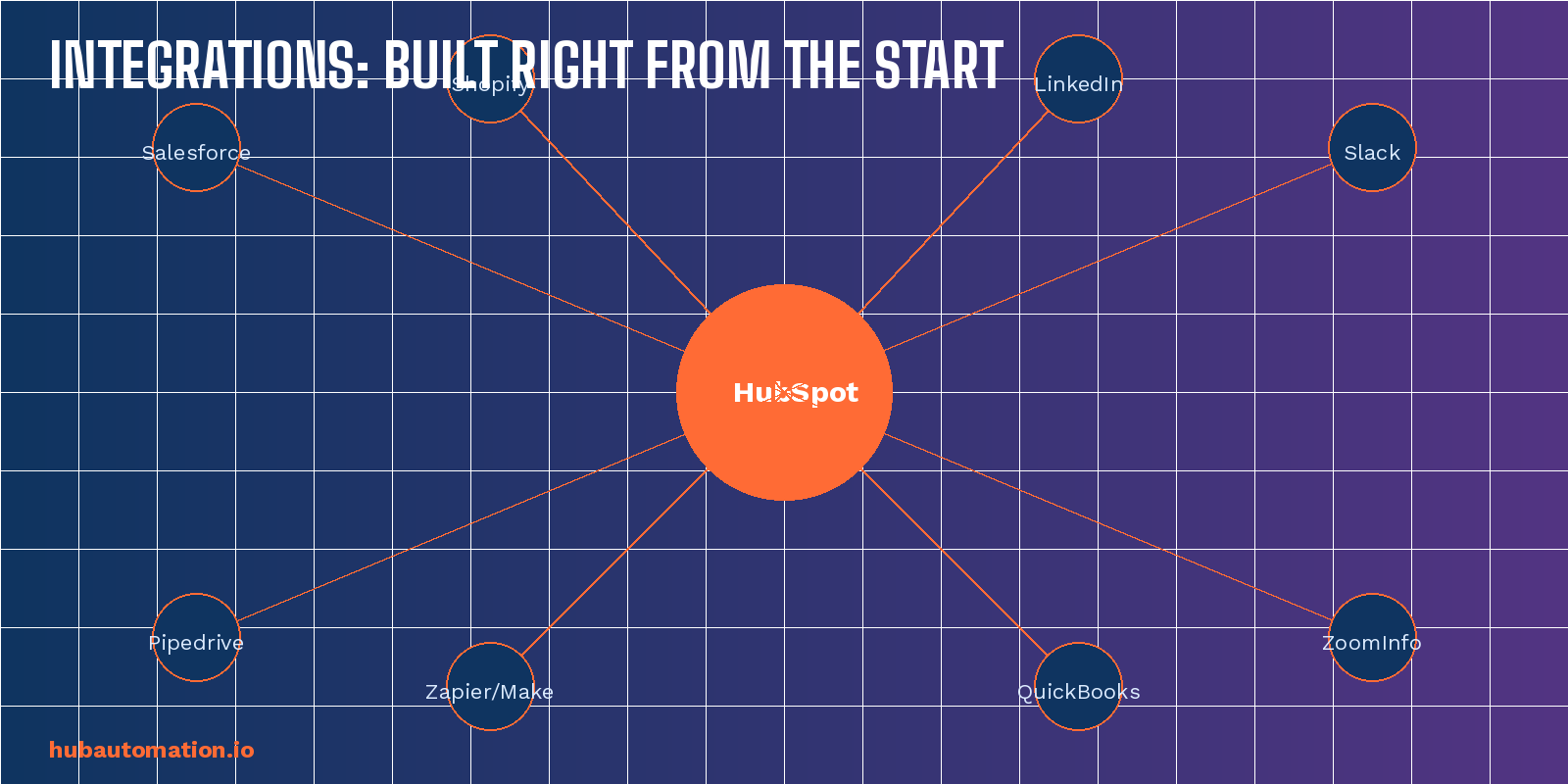
This is a pain point we see constantly. The migration is done, the data is in, and then someone connects Slack, or ZoomInfo, or QuickBooks, and things start breaking in ways nobody expected.
The problem is usually one of two things. Either the integration was configured before the data was clean enough to support it, or the field mapping inside the integration doesn't match the field mapping in the portal.
Integrations are only as good as the data they're reading. If your contact records don't have standardized phone number formats, your calling integration breaks. If your deal stages don't match what the integration expects, sync stops silently. Nobody gets a notification. You just stop getting data for three weeks until someone notices.
And honestly, that's the scariest part. Silent sync failures. You think your Slack notifications are working. They're not. You think ZoomInfo is enriching new contacts. It stopped last Tuesday.
Which Integrations to Connect First in a New HubSpot Portal
We follow a specific order for integration setup:
First, connect your email client. Gmail or Outlook. This is the foundation. Every communication needs to log correctly before anything else matters.
Second, connect your calendar. Meetings booked outside of HubSpot are activity data you'll never get back.
Third, connect your core data enrichment tool if you use one. ZoomInfo, Apollo, LinkedIn Sales Navigator. Get this running early so new contacts get enriched from the start.
Fourth, connect your communication stack. Slack, Teams, whatever you use. But configure it carefully. Too many Slack notifications from HubSpot workflows is its own problem. We've seen channels get muted because the workflow was sending every deal update in real time.
Everything else comes after your portal is stable and your team is actually using it.
What Is the Best Way to Set Up HubSpot After a CRM Migration?
Once the data is in and the integrations are live, most teams think they're done. We think that's when the real setup work begins.
Your pipeline needs to reflect how your team actually sells. Not how you think they sell. Not how they sold in 2022. How they close deals today. Build your deal stages around your real process and get buy-in from the sales team before you lock it in.
Your workflows need to fire on clean triggers. If your Lifecycle Stages aren't set correctly from the migration, your enrollment triggers pull the wrong contacts. Test every workflow with a small batch before turning it on for your whole database.
Your reports need to tell a story your leadership team believes. That means connecting your UTM tracking from day one, setting up your attribution model intentionally, and not relying on HubSpot's default "Original Source" property as your only measurement point. Read more about building better HubSpot reporting in our HubSpot Portal Audit guide on the HubAutomation blog.
We are bullish on HubSpot and believe teams that do this migration right, with clean data and properly configured integrations from the start, see results inside 60 days. The ones who rush it are still cleaning up six months later.
Let us know in the comments below: what was your biggest migration challenge? We'd love to hear what our community is running into out there.
Ready to get your migration done right the first time? Our team at HubAutomation specializes in CRM migrations, data audits, and integration setup. Book a free portal audit by clicking the button below and let's walk through your specific setup together.
HubAutomation is a certified HubSpot Solutions Partner specializing in migrations, integrations, and portal optimization.
Want to see where your blind spots are? We run free diagnostics for companies like yours.
Want to see where your CRM is leaking revenue?
We run free 30-minute HubSpot diagnostics. Your portal, on screen, live. You leave with a prioritized fix list, yours to keep whether you hire us or not.
| Book my free 30-min audit |